

A game listing says “import,” “global,” or “region-free,” and the price looks tempting. The surprise often comes later: the game starts, but its expansion, voucher, or in-game currency does not. “Region lock” is not one universal switch; compatibility depends on the platform and the specific item you are buying.
Table of Contents
What is actually locked?
A region lock is a restriction that prevents a game, download, or code intended for one market from being used in another. Sometimes the console blocks the game itself. More often, the base game works but a connected purchase does not: downloadable content (DLC), a season pass, a wallet card, or a digital code may need to match the game’s region or the account’s store region.
That distinction matters. Nintendo says standard Switch game cards are not region-locked, with an exception for Chinese-region systems and cards, but its guidance says DLC only works with a game released for the same region. A cartridge can therefore boot normally and still be the wrong “edition” for an add-on.
Why an old console can be the exception
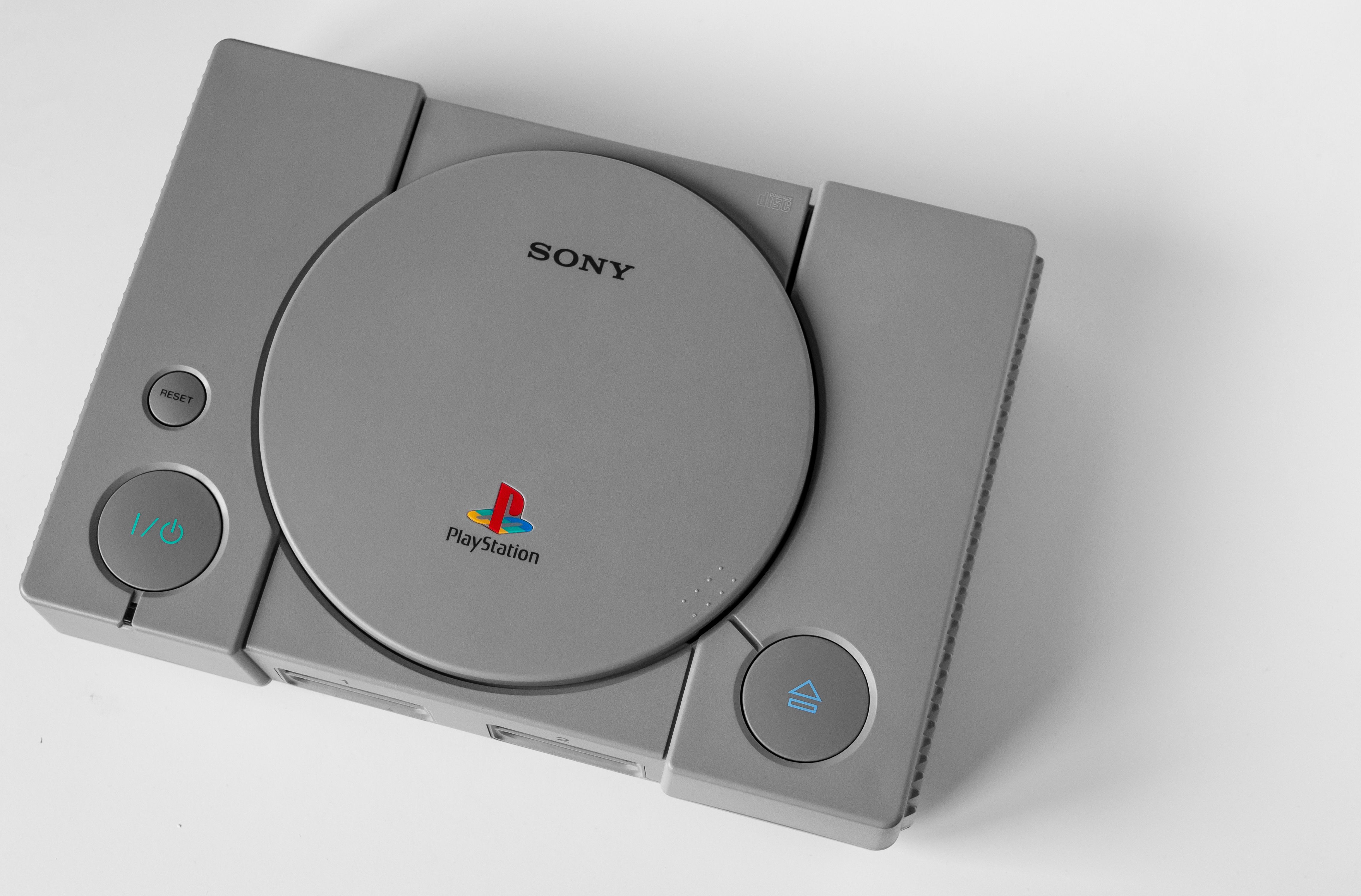
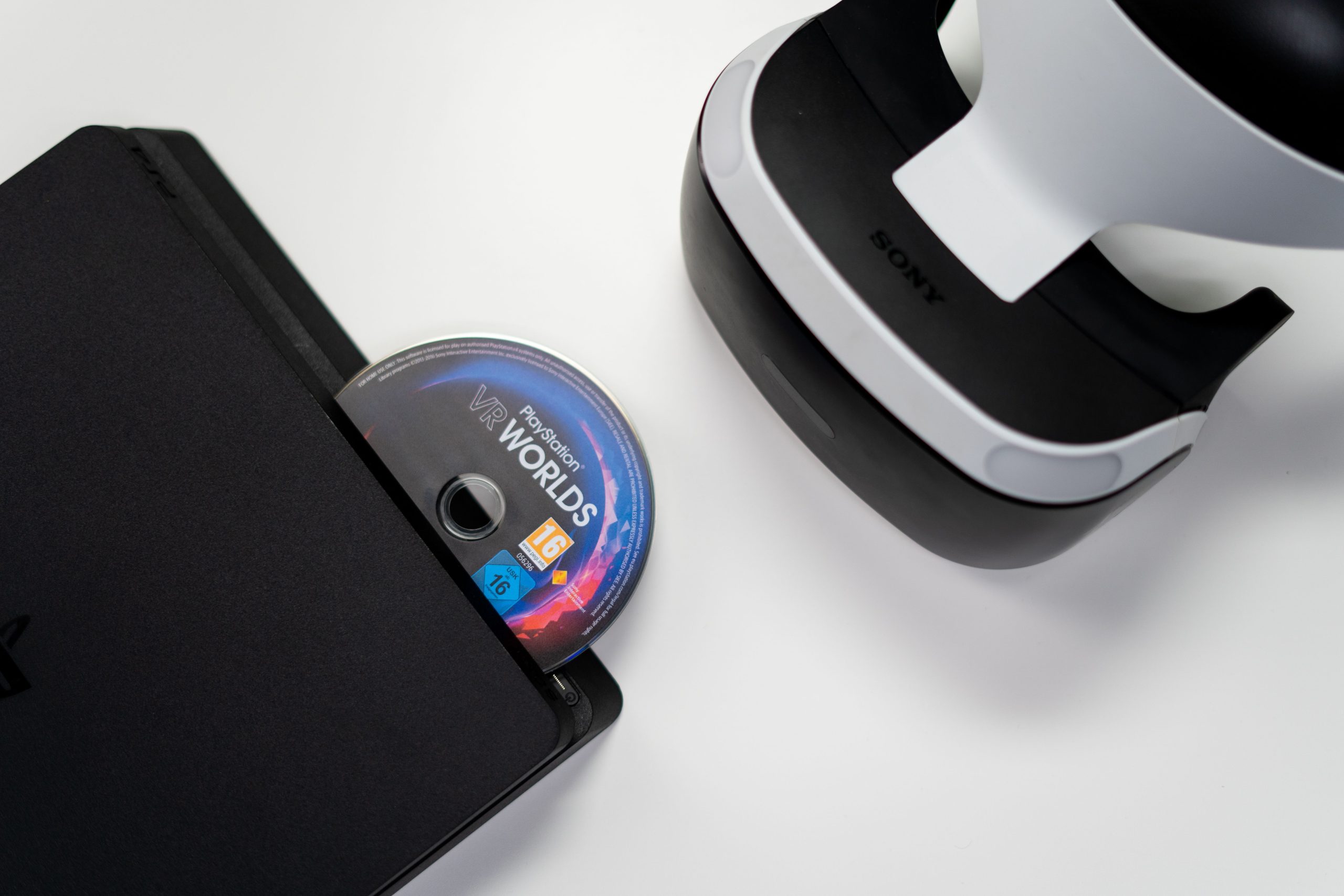
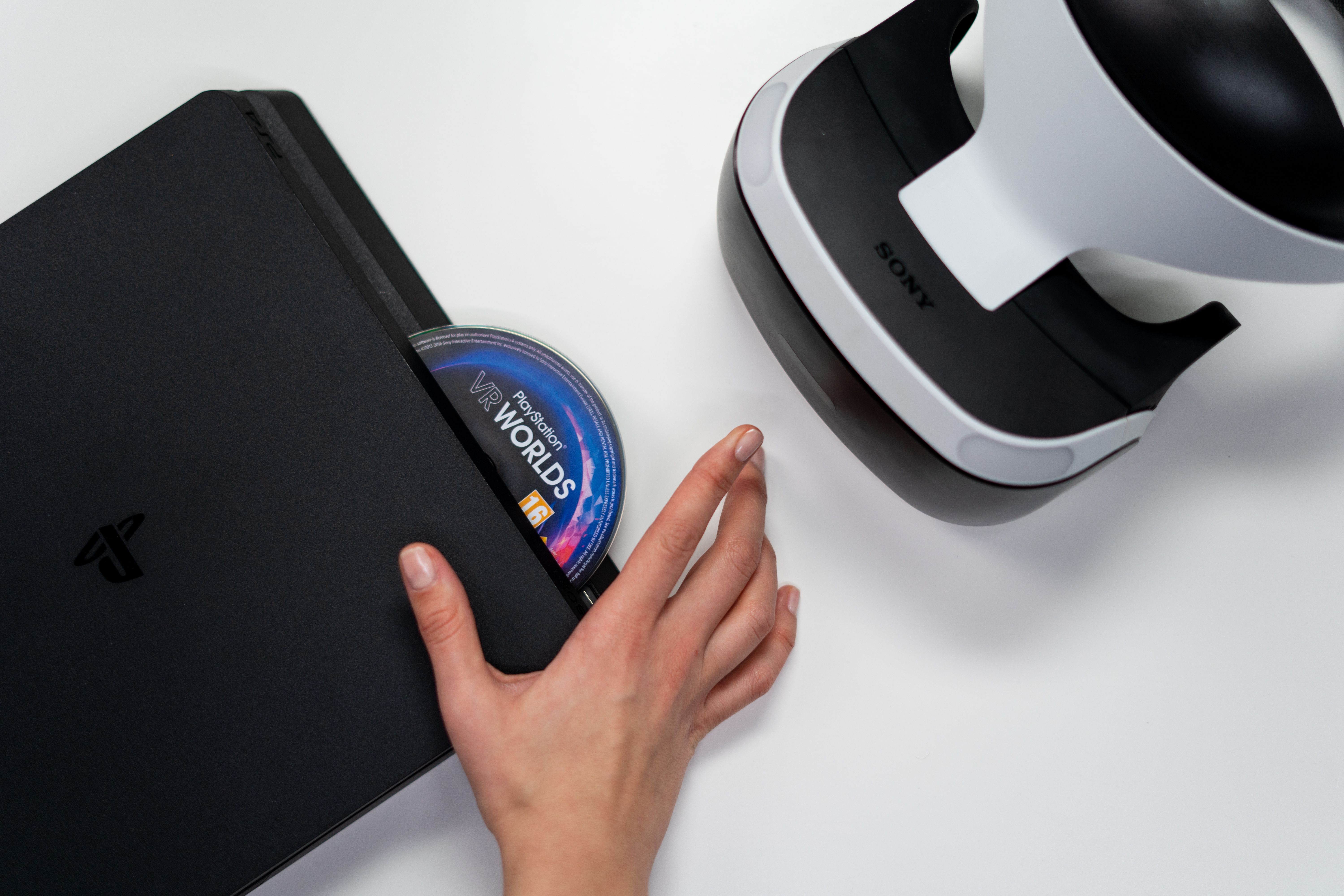
Older hardware often enforced regional boundaries more strictly than newer systems. The phrase “region-free” in a listing might describe the disc, not downloadable content, online services, language options, or the console’s ability to play it. On PlayStation, for example, Sony instructs players to match a disc’s licensed country or region with the account country when using PlayStation Store add-ons or in-game currency. Sony also says an account’s country cannot be changed after creation.
PC purchases have their own complications: a code can be limited by where it can be redeemed even when the game itself is not tied to a physical console. A listing for cheap game keys is not automatically a region-free listing; check the product’s activation and redemption terms before paying.
Five checks before you buy
- Identify the exact platform and generation. A PS4, PS5, Switch, or older console may apply different rules.
- Ask what the region label refers to. Is it the physical game, the download code, the account/store, or all three?
- Check DLC against the base game. Match the release region or edition, not just the title. PlayStation advises checking the small print on a game box for its licensed region; Nintendo provides supported-region details in the game’s software information.
- Verify code redemption. Store cards, vouchers, and subscription codes may be restricted to the country or store where they were issued.
- Confirm language, online features, and returns. These can differ by edition, and an incompatible digital purchase may not be refundable.
If you already bought the wrong region
First, check the packaging or the game’s support information for its region, then compare it with the account that bought the add-on. If the mismatch is the issue, reinstalling the content usually will not change its compatibility. Contact the retailer or platform support before buying a replacement; ask specifically whether the code is redeemable in your account’s country and whether the add-on matches your game edition.
The safest rule is simple: buy the base game and its extras for the same region and account storefront unless the platform maker explicitly confirms compatibility. “Region-free” can be true and still not mean “every related purchase works everywhere.”